
Why Multiple Discord Accounts Get Flagged?

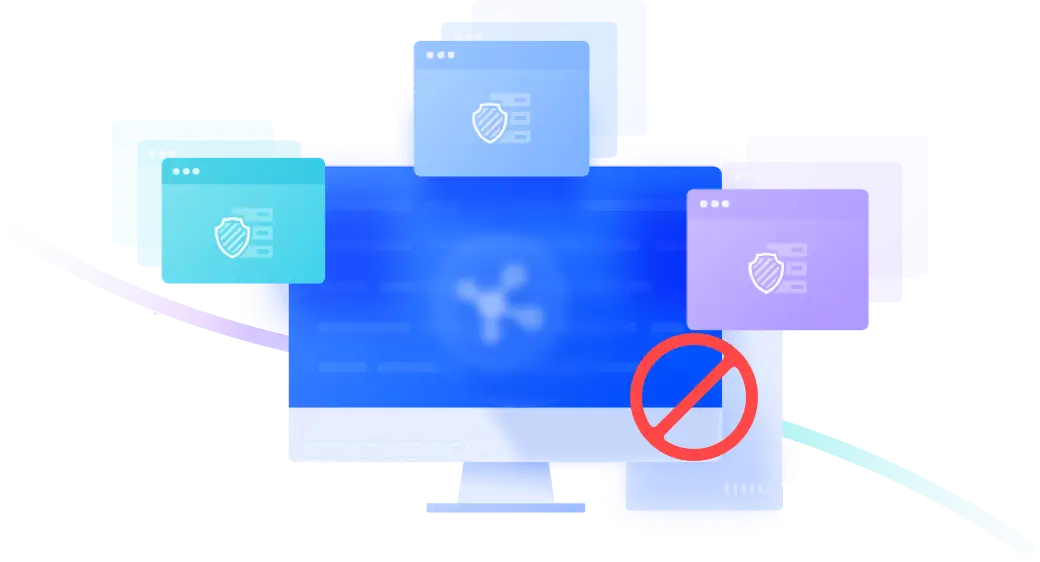
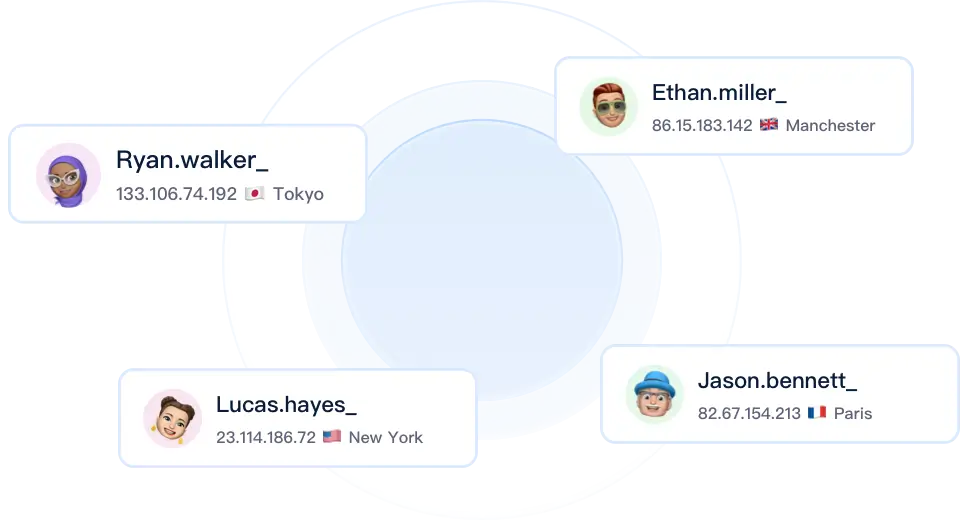
Managing multiple Discord accounts or ad campaigns risks instant bans. Even using different proxy IPs, platforms detect matching hardware fingerprints (Canvas, WebGL), flagging your accounts as coordinated matrixes and suspending them.

iconDiscord account risk detection

What Can ZLogin Help on Discord?

iconDiscord hardware audits

Bypass Discord Audits & Protect Social Assets

ZLogin customizes browser fingerprint parameters at the kernel level. We provide a 100% isolated, native physical device environment for each of your Discord personal profiles, business pages, or ad accounts, easily passing checks and preventing mass bans caused by hardware overlap.

Try for Free
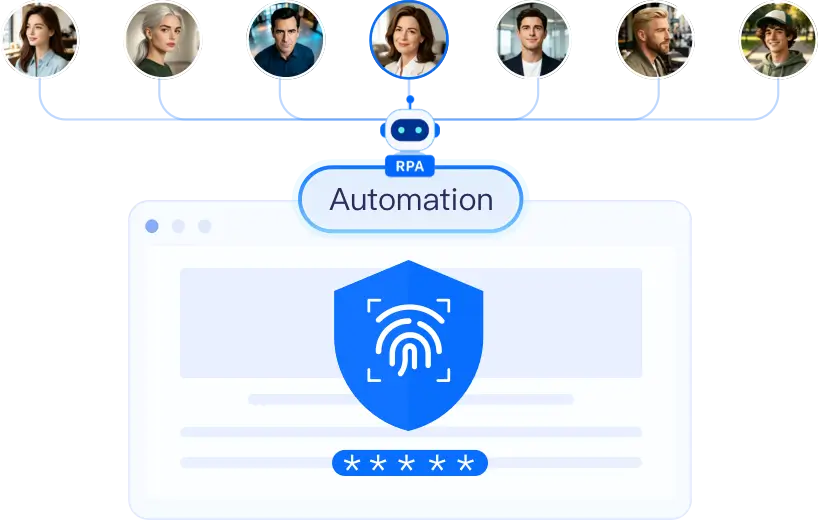

RPA Social Workflows and Secure Profile Sharing

Leverage a built-in no-code RPA engine to emulate human interactions (automated page warming, liking, posting, and engagement), drastically reducing matrix overhead. Securely share isolated browser profiles with remote media buyers or teammates without sharing passwords, maintaining 100% fingerprint and IP consistency to bypass security flags.

Try for Free
Automated profiles workflow

Why Choose ZLogin ?

icon

Multi-Windows Synchronizer

Perform actions (clicks, typing, scrolling, page opening) in one master window and instantly sync them across multiple browser profiles to multiply bulk efficiency.

icon

Isolated Browser Profiles

Each account runs in its own dedicated virtual browser with a fully isolated sandbox, cookies, and local cache, eliminating any risk of cross-linking.

icon

Collaboration Workspaces

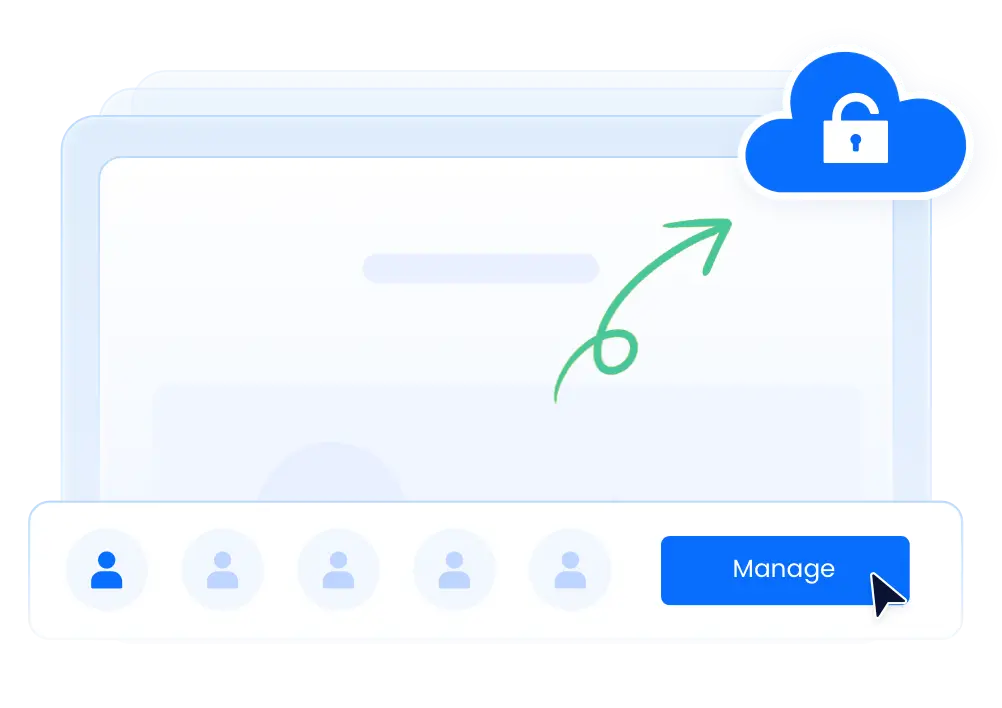
Securely share configured browser profiles with remote team members without sharing passwords, ensuring 100% fingerprint and IP consistency.

Supported Social Media Platforms

What Customers Are Saying

Tyler Morrison

Tyler Morrison

Gaming Community Leader

Managing my gaming community across 12 Discord servers is seamless with ZLogin. Voice chat availability has improved my community leadership dramatically. Multi-server dashboard access saves me hours every week. Every serious community manager needs ZLogin!

Michelle Lee

Michelle Lee

Online Course Creator

ZLogin transformed how I support my online course students. I manage separate Discord servers for each course simultaneously. Student questions get immediate responses regardless of time zone. Automated announcement monitoring keeps me updated on discussions. Invaluable for scaling educational communities!

Hannah Green

Hannah Green

Content Creator & Streamer

ZLogin transformed how I engage with my Discord community. I manage separate servers for different content niches effortlessly. Bot automation handles routine tasks perfectly. Indispensable tool for content creators with Discord communities!

Frequently Asked Questions

  • Can I manage multiple Discord servers simultaneously?
    icon

    Use a dedicated ZLogin browser profile to access the corresponding Discord feature while keeping cookies, local storage, proxy settings, and browser fingerprints isolated from other accounts. Reference scenario: Yes, unlimited server management. Availability still depends on the Discord account permissions, region, and current platform policies.

  • Will I miss important messages when offline?
    icon
  • How do Discord bots work on isolated browser profiles?
    icon
  • Can I separate gaming and social Discord accounts?
    icon
  • Is voice chat supported on ZLogin?
    icon
  • What about Discord Nitro features?
    icon

Best Multi-Login Browser for Any Industry

Start to try it out for free with 2 profiles available

Sign up
Download