



माइग्रेशन केंद्र / ZLogin Migration Guide
Move from AdsPower to ZLogin
Keep your browser-profile workflow while moving to a secure, team-ready fingerprint browser.
 Keep profile organization clear
- Preserve cookies and login sessions during your planned move
- Recreate proxy and browser fingerprint settings

What Gets Transferred
Plan the move around the browser-profile data your daily work depends on.

Browser Profiles
Recreate profile names and isolated browser environments.

Cookies & Sessions
Keep the login state needed for approved account workflows.

Proxy Settings
Map each profile to the correct network route.

Browser Fingerprints
Recreate operating system, browser and device settings.

Groups & Organization
Keep large profile collections easy to find and manage.

Browser Preferences
Restore the profile-level preferences used by your team.
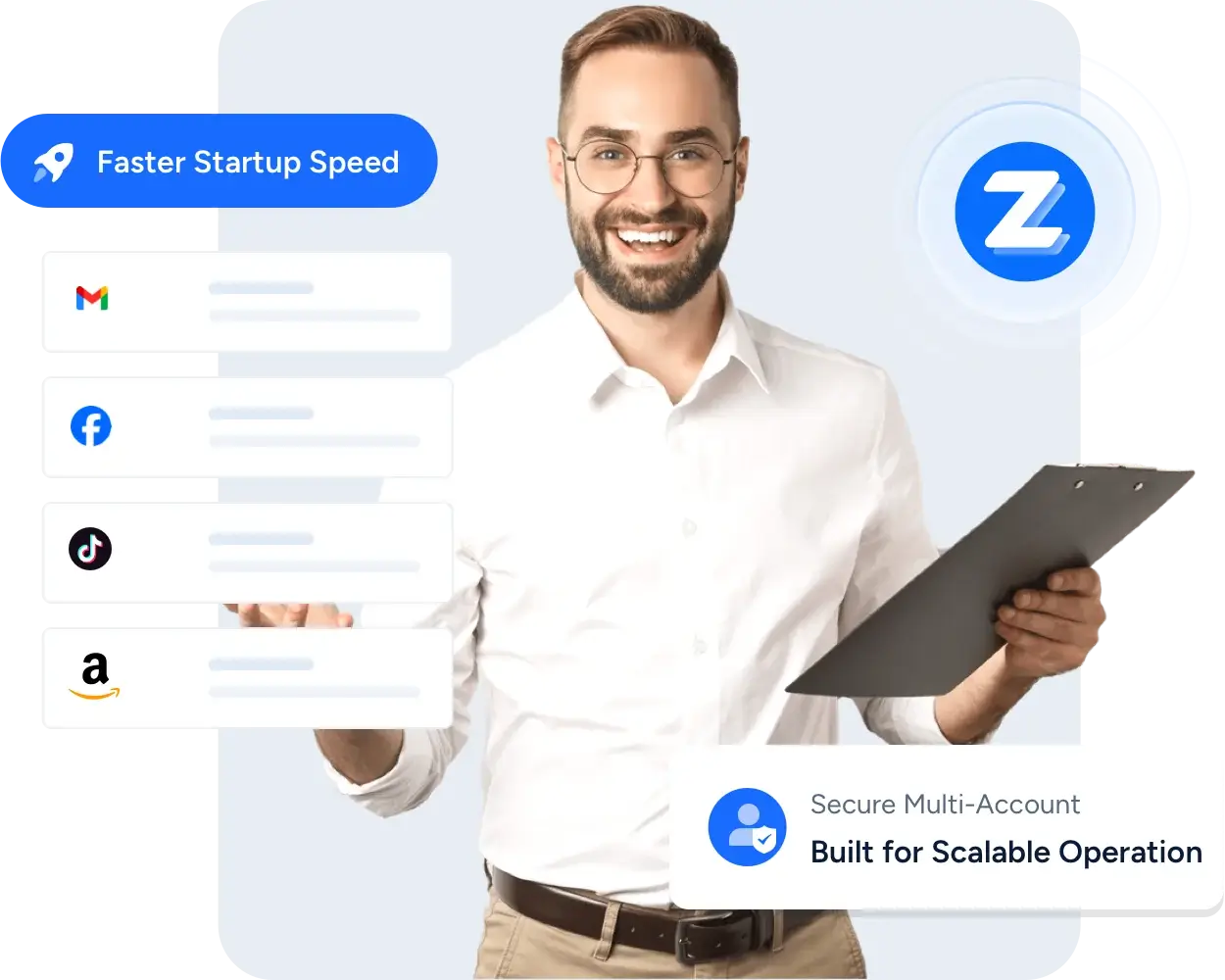
Keep Your Existing Workflows
ZLogin is designed for teams that need isolated profiles without rebuilding every daily process.
- Familiar Profile ManagementCreate, group, search and open isolated browser profiles.
- Team CollaborationShare approved profiles and control access by member.
- Stable Browser IdentityKeep profile settings consistent across repeated sessions.
- Scalable OrganizationManage growing profile portfolios with groups and tags.
Why Move to ZLogin
A practical fingerprint browser for individual operators and growing teams.

Secure Isolation
Separate cookies, storage, proxies and browser fingerprints by profile.

Team-ready Access
Give members access to the profiles they need.

Efficient Operations
Use bulk actions, groups and consistent browser environments.

Responsive Support
Get help while validating and adopting your new workflow.
Migrate in 3 Simple Steps
Download & Register
Install ZLogin and create your account.
Prepare Your Existing Profiles
Collect the approved profile, cookie, proxy and organization information you need.
Recreate and Validate
Set up profiles in ZLogin, verify login state and test the daily workflow.
Download & Register
Choose your operating system and start with a small validation group.
डाउनलोड WindowsWindows 10 or later
 macOSIntel and Apple silicon
 LinuxMainstream 64-bit distributions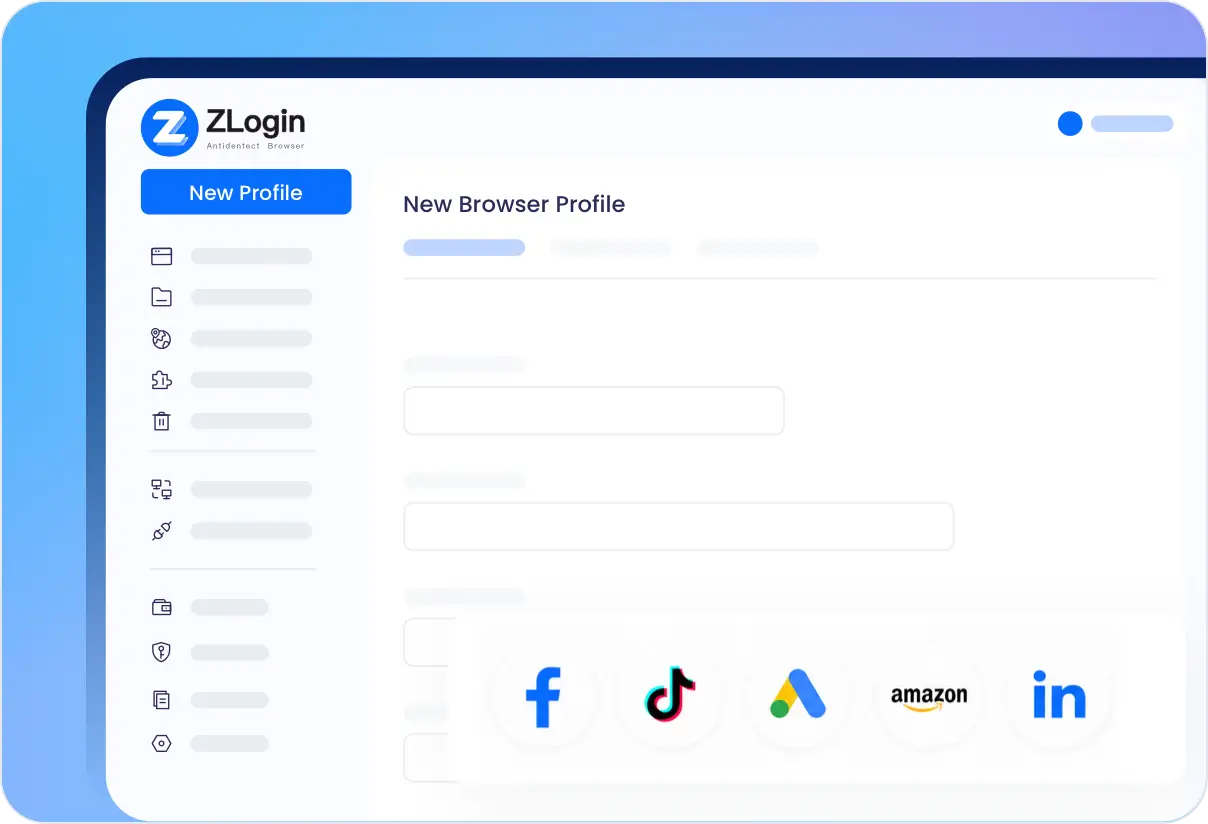
Supported Browser Migrations
प्रमुख एंटी-डिटेक्ट ब्राउज़र से Zlogin में ब्राउज़र वातावरण स्थानांतरित करें।




Frequently Asked Questions

The current page is a migration guide and does not start an automatic migration. Validate the profile data required by your workflow before switching.

किसी भी उद्योग के लिए सबसे उत्तम “मल्टी-लॉगिन ब्राउज़र”
2 प्रोफाइलों के साथ इसे मुफ्त में आजमाना शुरू करें।